
GH05T Loading Screen v2.7.5
⚡ GH05T Loading Screen v2.7.5
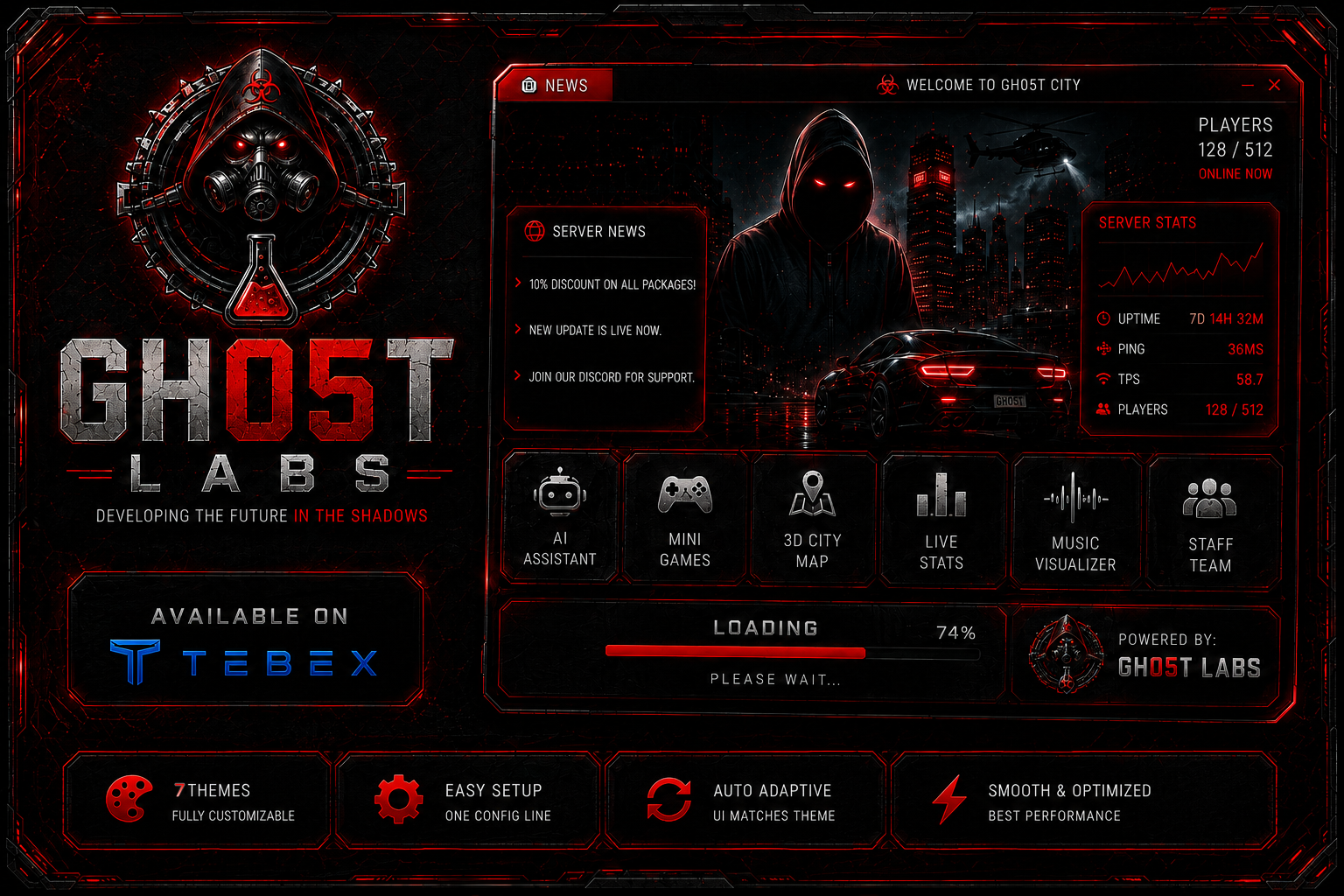
A feature-rich loading screen designed for FiveM servers.
7 Themes · Music Player · Custom Cursor · Mini-games · AI Assistant · Live Stats · Interactive Map · Twitch & Weather · Full Layout Control · Fully Responsive
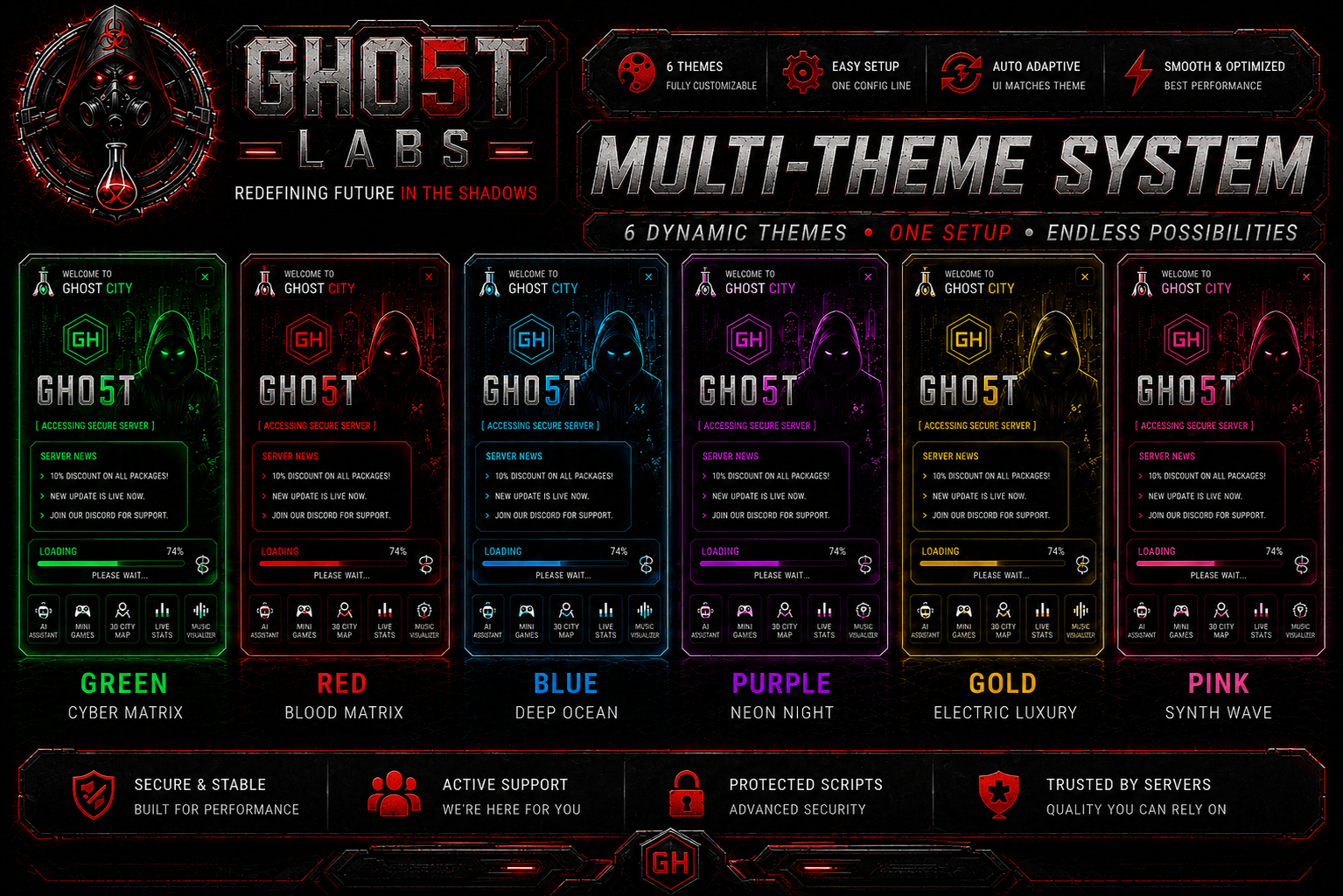
🎨 7 Color Themes
Switch between Green, Red, Gold, Pink, Blue, Purple and Toxic Green with a single config line. Every interface element — panels, buttons, glows, games, the cursor and effects — automatically adapts to your selected theme.
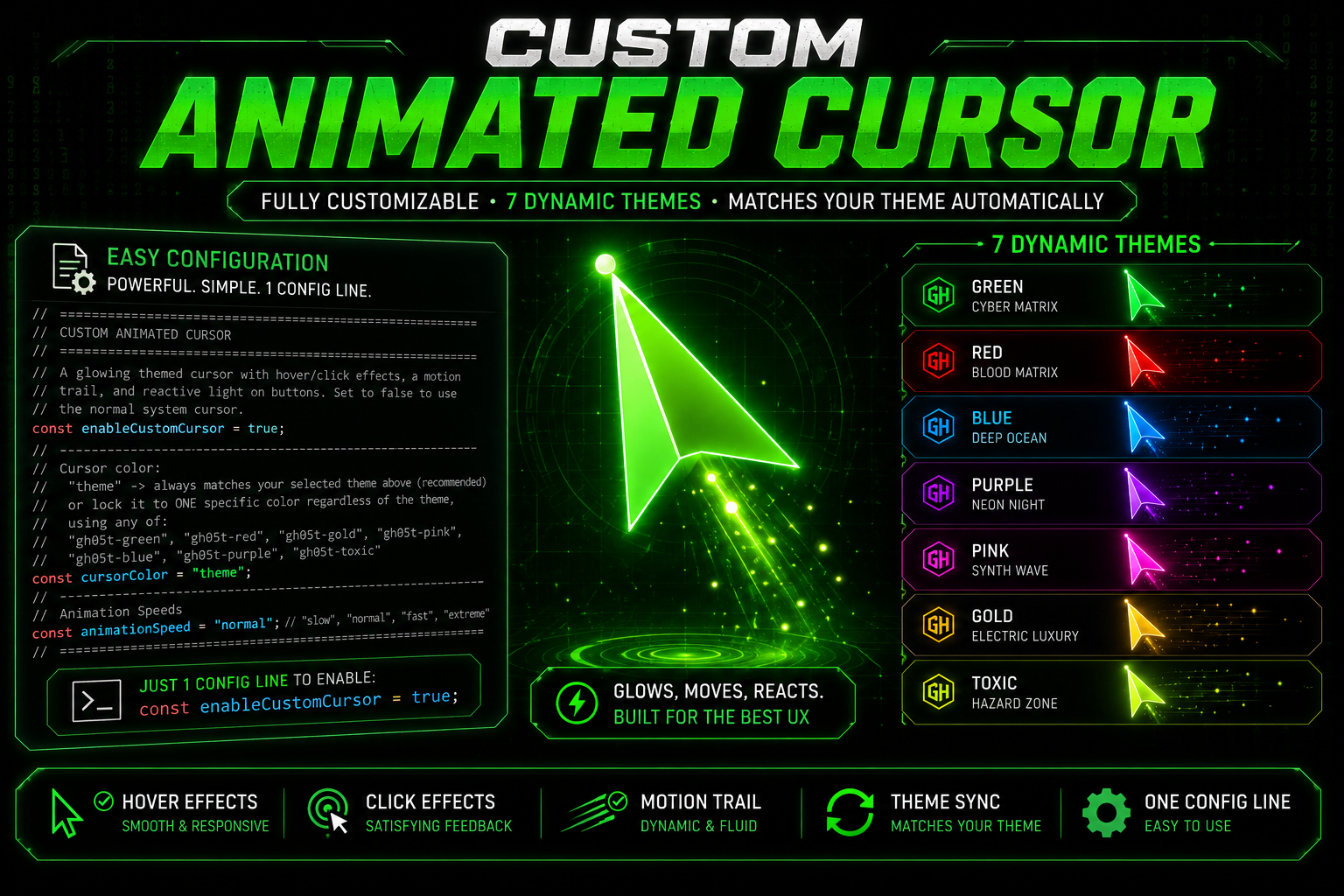
🖱️ Custom Themed Cursor (NEW)
A premium animated cursor that brings the whole screen to life — fully recolored to your theme.
- Glowing arrow with a smooth motion trail and a precise hotspot dot
- Hover & click effects — breathing glow, click ripple and expanding ring
- Reactive buttons — UI elements light up and glow as the cursor approaches
- Toggle on/off, and lock the cursor to any of the 7 theme colors independently of the page theme
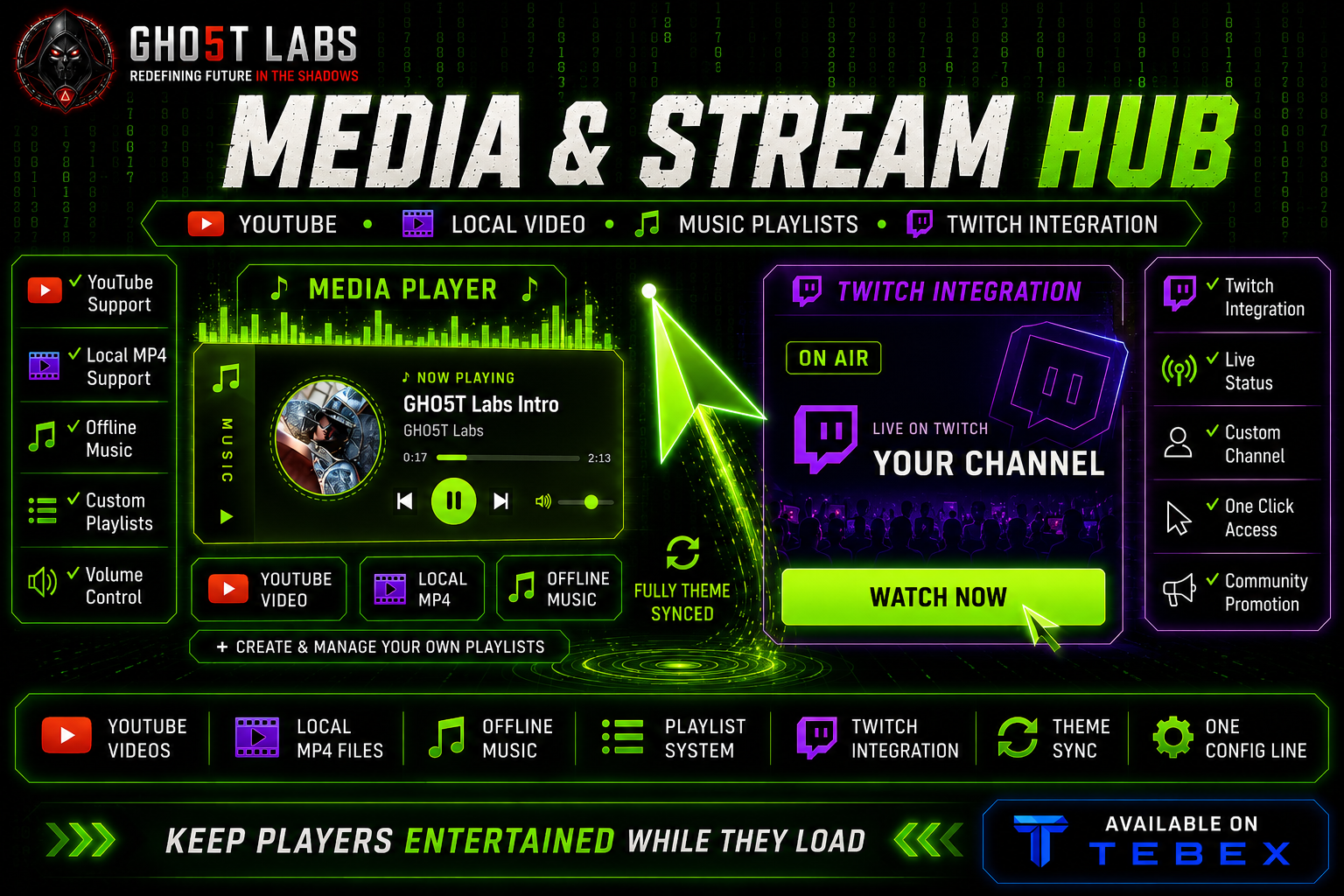
🎧 Audio Music Player
A sleek collapsible media player that docks to the left or right screen edge. Click the handle to expand the full player.
- Plays .mp3, .ogg and .wav — add your own playlist
- Album / track artwork with a spinning “vinyl” animation while playing
- Full controls: play / pause, next, previous, seek bar and volume
- Autoplay, loop and starting-volume options
- Can also control the background video and show the video’s thumbnail as the cover — play your own custom audio over the video screen
🟣 Twitch Live Banner
A collapsible “ON AIR” banner that docks to the left or right screen edge to promote your stream. Expands into a styled card with a pulsing live indicator and a WATCH NOW button that opens your Twitch channel. Fully theme-colored.
💬 Smart Activity Feed & 🌤️ Live Weather
- Live Activity Feed — animated toast notifications showing player activity. It auto-picks a free corner so it never overlaps your social links or server-info bar
- Real-time Weather Preview — displays live local weather (OpenWeather)
🖼️ Background Wallpapers
Each theme comes with its own matching background image. Two display modes:
- 🎨 Theme Mode — automatically shows the wallpaper that matches your selected color theme
- 🎞️ Slideshow Mode — cycles through wallpapers with a smooth fade transition; use the theme set or your own custom image list, with a configurable interval
Replace any image with your own. Configurable opacity so it blends perfectly with your video background.
🎬 Background Video
Layer a YouTube video or a local MP4 file behind the wallpaper. Configure blur, opacity and mute. Playback is handled by the built-in Music Player — if you disable the audio player it auto-enables a video-only control mode so you always have play/pause and volume.
📐 Full Layout Control — No CSS Required
Every major UI element has its own position option. Set it once in config.js and the layout adjusts automatically.
- 🧭 Tab Bar Position — Place the navigation bar at the bottom, left sidebar, or right sidebar
- 🎧 Music Player & Twitch Banner — Dock each to the left or right screen edge
- 🏷️ Brand Text — Keep centered or move to a compact top-left panel
- 🖥️ Server Info Bar — Display inline, pin to top-right, or anchor to bottom-right
- 🔗 Social Links — Keep centered or pin to bottom-left or bottom-right
📱 Unified Design & Fully Responsive
- One consistent themed design language across every panel, popup, button, scrollbar and the navigation bar
- Themed text-selection highlight — no default browser blue
- Automatically scales and re-arranges on small screens, 2K and 4K — no overlapping or hidden elements
🔵 Floating Center Logo
When the brand panel is set to top-left, the GH hexagon logo automatically detaches and floats at the center of the screen with a smooth animation.
- Enable or disable it independently
- Scale from 0.5× up to 3× its default size with a single number
- Glow effect scales automatically with the logo size
✨ Visual Effects — All Individually Toggleable
Every background effect can be turned on or off with a single config flag:
- Digital code stream (matrix rain)
- CRT scanline overlay
- CRT vignette darkening
- Cyber grid background
- Floating particle system
- Holographic projection effect
- Glitch and flicker animations
- Neural network visualization
- Audio visualizer
- Cinematic transitions
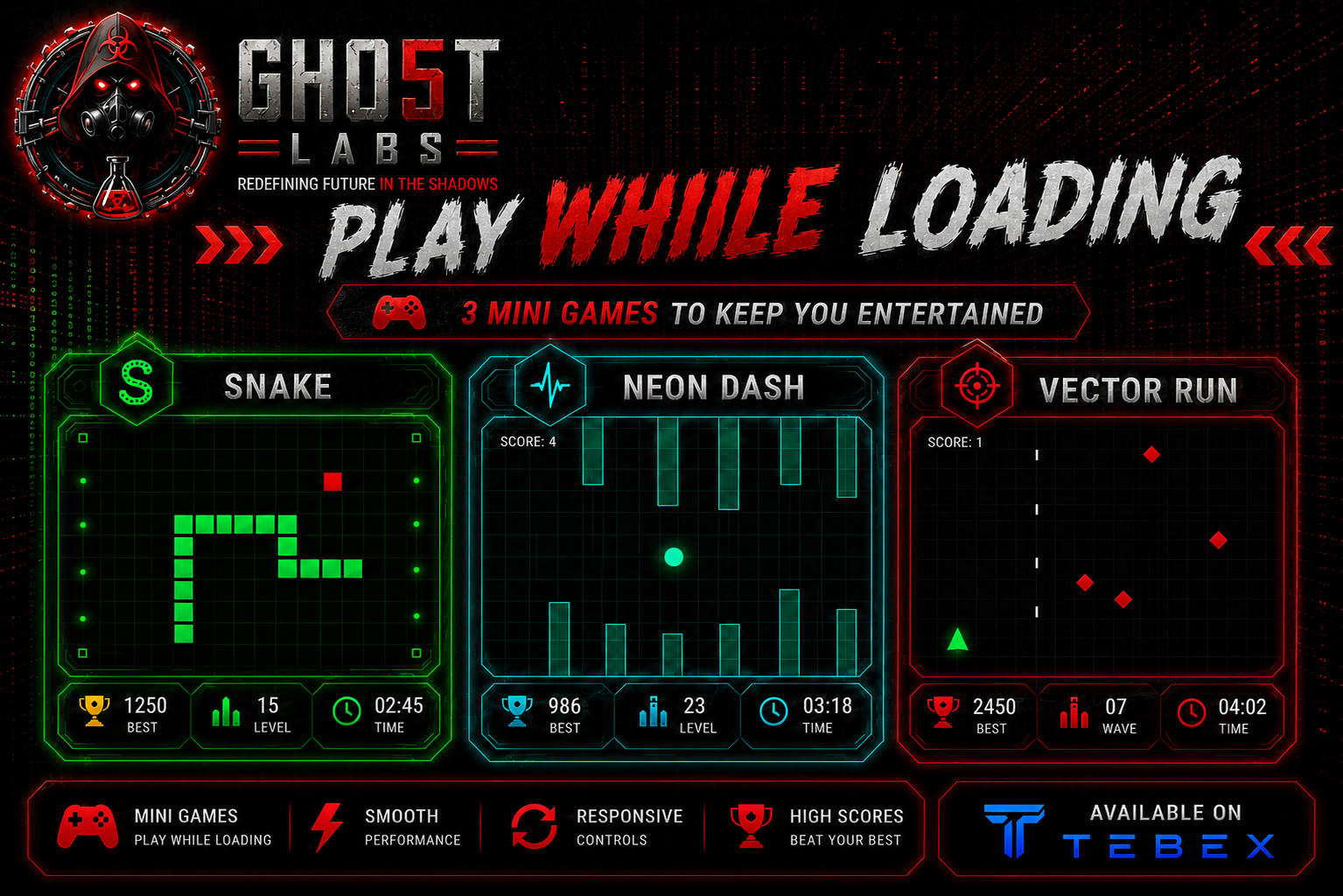
🎮 3 Playable Mini-Games
Keep players entertained while loading — in a fixed widescreen view (no scrolling):
- 🐍 Snake
- 🐦 Flying Challenge
- 🚀 Arcade Shooter
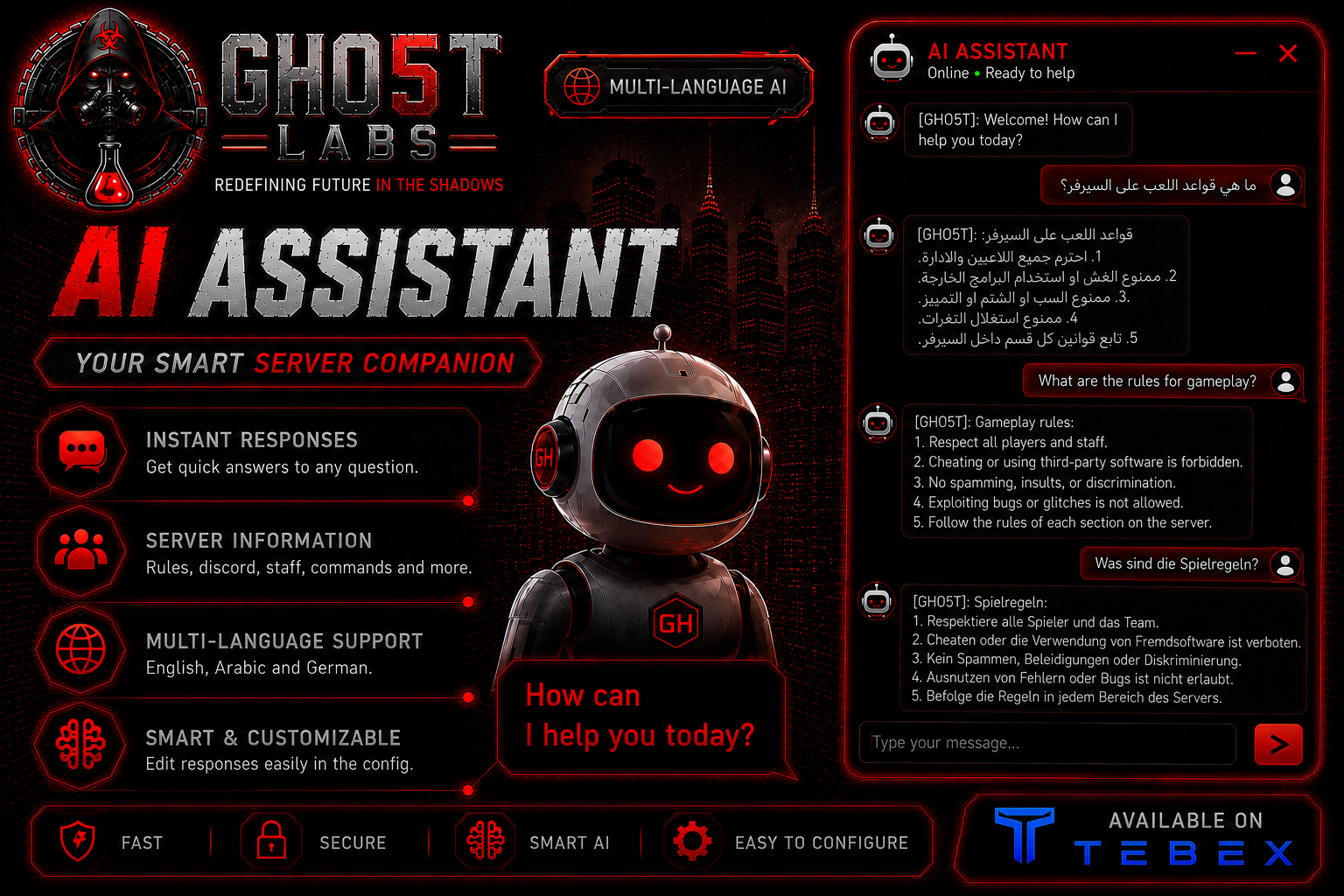
🤖 AI Assistant
Built-in assistant supporting English, Arabic, and German. Configure custom responses for server rules, Discord information, staff assistance, and more.
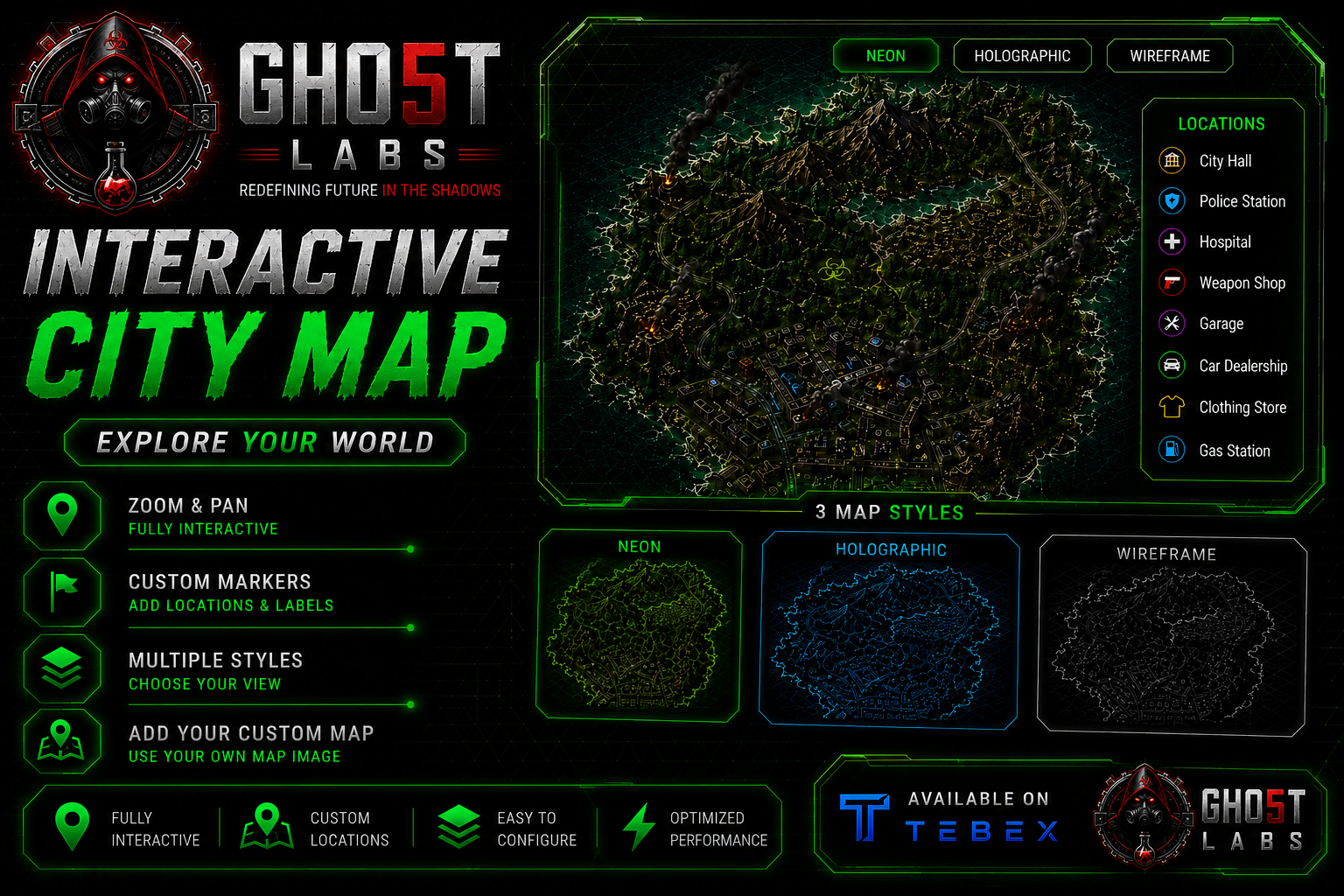
🗺️ Interactive Map
Zoom, pan, and navigate an interactive map in a fixed widescreen view. Add custom location markers with labels. Includes three display styles: Neon, Holographic, and Wireframe.
📊 Live Server Statistics
Display active players, economy information, vehicles, jobs, and other fully configurable server statistics.
📱 Additional Features
- QR code linked to your Discord community
- Achievement preview system
- News ticker with custom messages
- Staff showcase with photos and rank badges
- Real-time clock and system information widgets
- Hidden easter egg sequence
🔒 Protection
- Resource name verification — stops automatically if folder is renamed
- JavaScript obfuscation for frontend files
- CFX Escrow protection for Lua files
- Automatic update notifications in the server console
📋 Requirements
- FiveM server artifact 5181 or newer
- Compatible with ESX, QBCore, and standalone servers
⚙️ Installation
- Extract and place gh05t-loadingscreen into your resources folder
- Add ensure gh05t-loadingscreen to your server.cfg
- Open html/config.js and configure the resource
- Restart your server. A full setup guide is included.
💬 Support & Updates
Join our Discord community: GH05T Labs Studio - Discord Link
Visit Our Documentation Site: GH05T Labs Guide